IG - Master Text Anim Project File
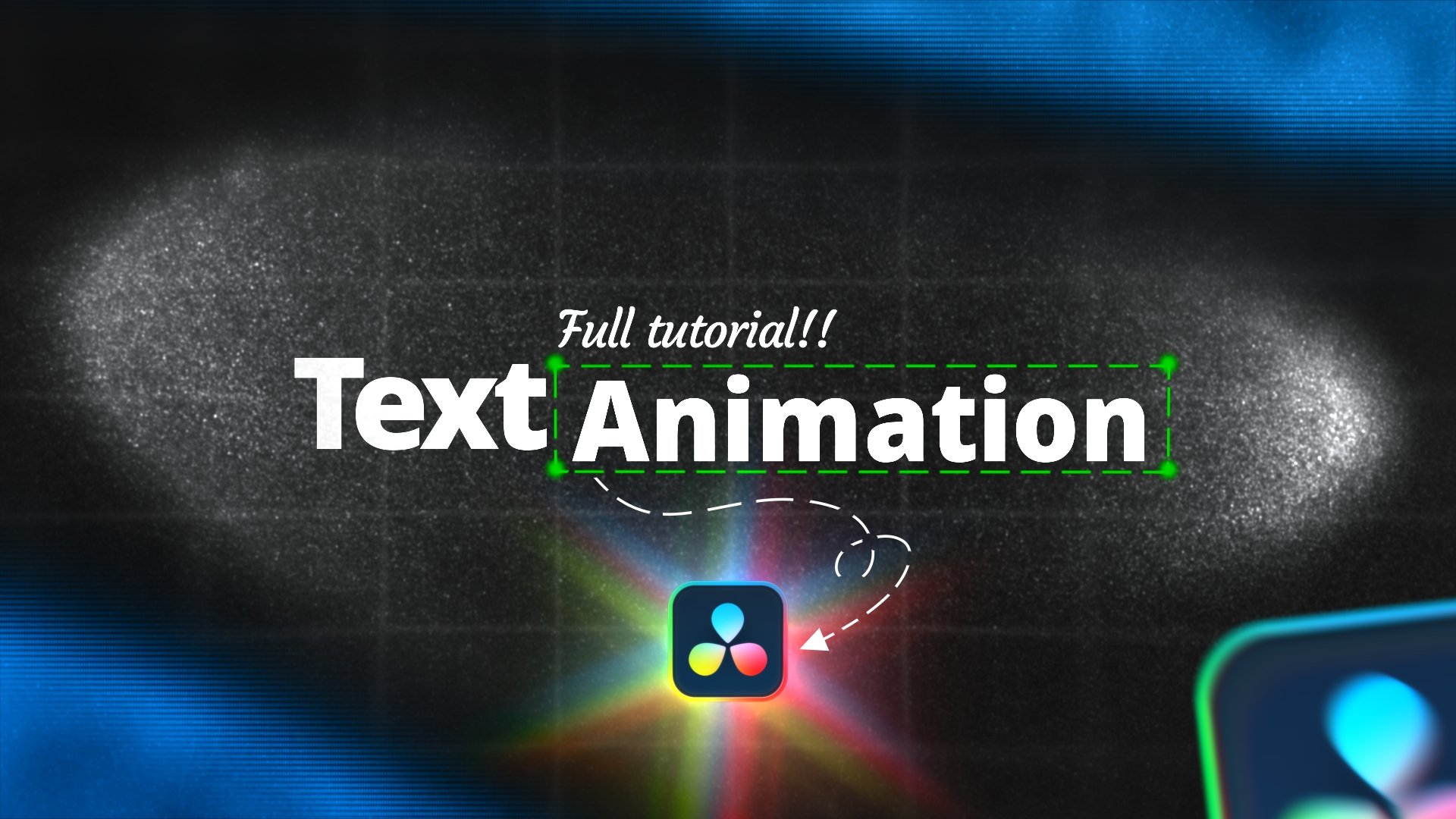
The Project files from the video "How to Master Text Animation in DaVinci Resolve - Full Tutorial"
For installation, run the drfx file and click install when prompted.
Will appear in the Generators -> Isaiah Grade Folder inside of the Edit Page.
Nodes are viewable inside the Fusion Page.
Note: DaVinci Free Users may encounter issues if the Fusion composition uses nodes not included in the free version.
Note: Works best when you have the following fonts installed.
https://www.dafont.com/komika-axis.font
https://www.freefontdownload.org/en/rebelton.font
https://www.deefont.com/organetto-font-family/
Built on a 60fps Timeline.